
Turn signups into people you actually know.
One contact record per person, updated automatically by every Hiveality tool. So you can speak to each person like you remember them.
Want the full walkthrough? Watch the full demo
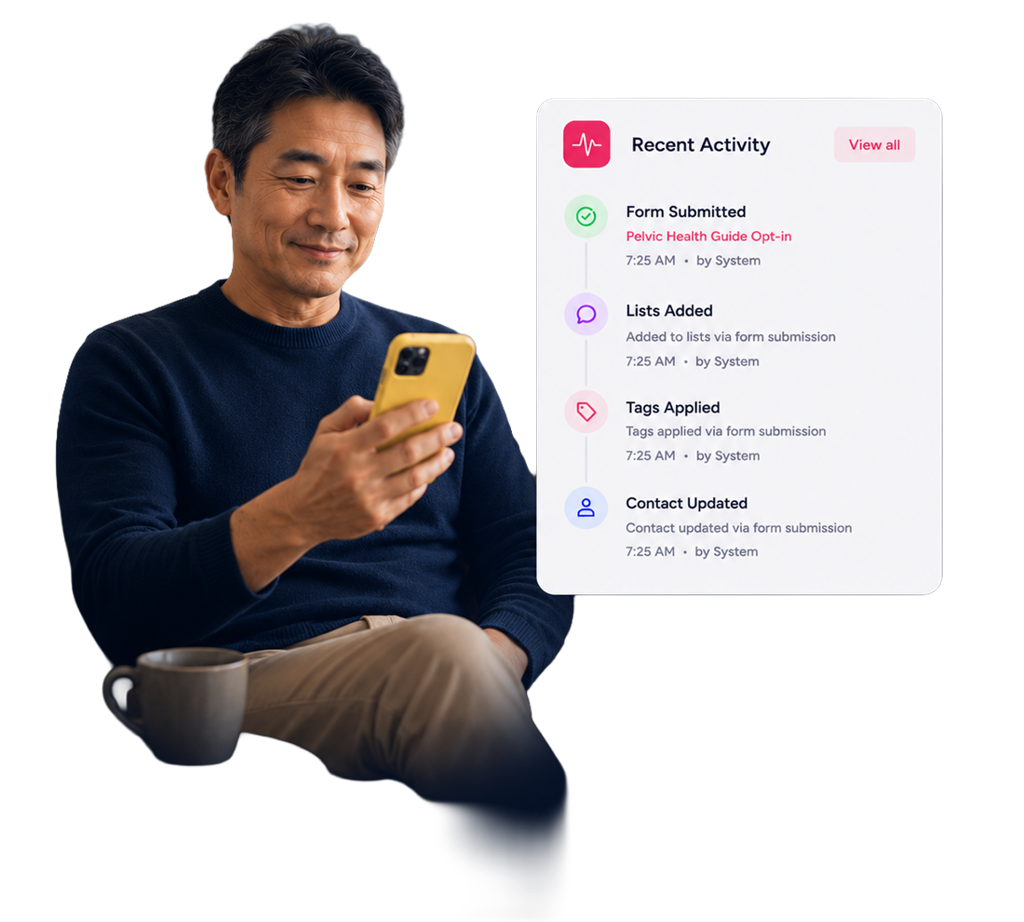
Six tools, six versions of the same person.
Form submissions in one silo
Your form tool keeps its own list and the rest of your stack never sees it.
Bookings in another
Your scheduler stores who booked, but your email tool only knows them as an address.
Buyers and members live elsewhere
Customers, students, and patients each end up in their own system with their own contact records.
Notes scattered across inboxes
What you remember about a person lives in three threads, two apps, and your head.
You cannot personalize what your tools cannot see.
Unified contact record
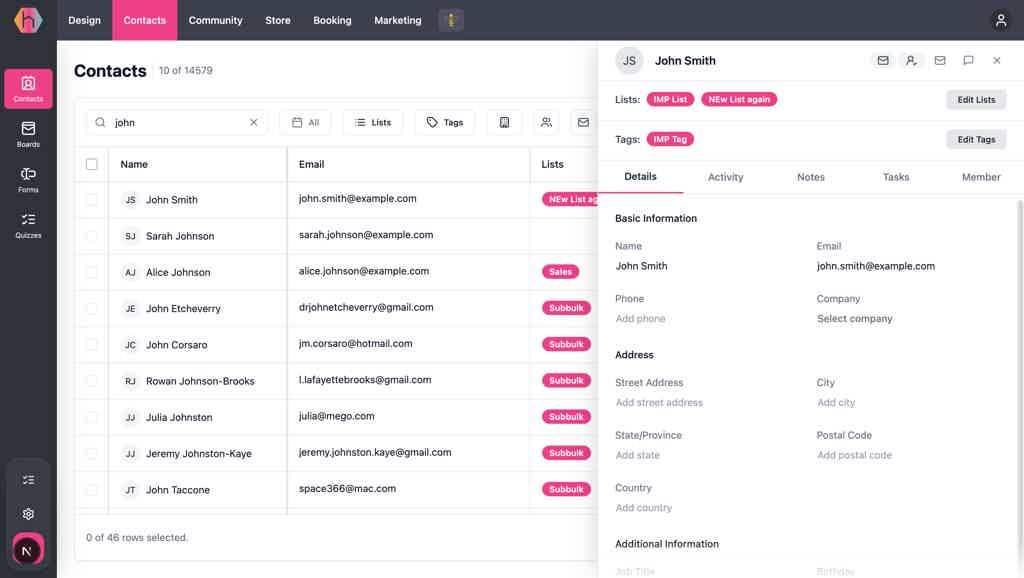
Every touchpoint on one timeline.
Open any contact in Hiveality and you see the full history in order: opt-ins, form fills, quiz results, booked appointments, purchases, course progress, event RSVPs, chat conversations, tags, and list memberships. Update a tag or note in one place and every flow, board, campaign, and report reads the same record.
Practitioners on Hiveality
Practitioners who got their time back.
Hear from health professionals who built their path inside Hiveality.
“Hiveality completely transformed the way I manage my website. What used to take hours of fiddling with plugins, checking calendars, and patching together email automations now works in one consistent flow. Hiveality will make your life easier!”
“I run two websites, courses, and all of my marketing, and Hiveality has made running my business so much easier. Everything I need in one place, and the support is always quick and helpful. I’m able to grow both sides of my practice without juggling a bunch of tools.”
“Hiveality literally has everything I need to grow my business in one place, and the customer service is awesome. I’m excited to see what they add next so I can keep adding new ways to grow my business online and help my people!”
How it works
Three steps to a contact list that is actually one list.
No syncing, no exports, no "which tool has the latest version?"

Capture
Every entry point writes home.
A form fill, quiz, booking, checkout, popup signup, or course enrollment creates or updates one record.
Organize
Tag, list, and segment in place.
Add tags, add to lists, and segment by source, behavior, or fields, and every tool sees the change instantly.
Act
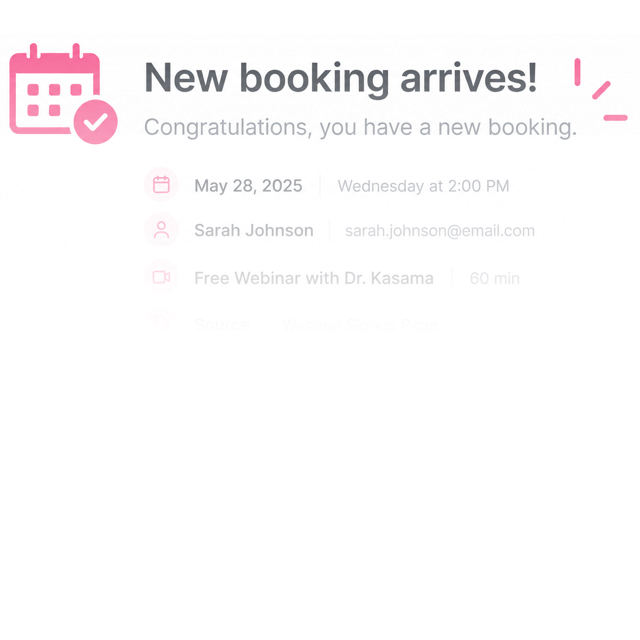
Email, follow up, route, or report.
Trigger flows, send campaigns, move a board card, or pull analytics. All from the same record.
Connected system
Every tool writes to the same contact.
Every interaction your practice or clinic captures is already part of Hiveality, seamlessly connected.
Replaces
Approximate published entry pricing, mid-2026.
Everything you need.One Business System
Website, booking, email, funnels, social, courses, and SEO. All under one roof, working as one system. No more duct-taping half a dozen tools.
Starting at
/month · USD
Billed yearly · Cancel anytime
Saves practitioners 8+ hours every week
Low pricing locked in. Limited spots available.
Built for your specialty
Made for your kind of practice.
Hiveality is built for health and wellness practitioners of every kind. See how it works for yours.
Serve health and wellness businesses as an agency? Explore the White Label Partner Program.
Questions, answered
Common questions from practitioners
Is this a separate CRM I have to sync?
No. Contacts are the audience layer Hiveality writes to from every tool. There is nothing to sync because there is only one list, and every form, quiz, booking, checkout, course, event, and chat updates the same record.
Can I import my existing contacts?
Yes. Bring in a CSV or move contacts over from another system, and Hiveality handles duplicates and merges so you do not end up with two versions of the same person or lose existing history.
What does a contact actually include?
Standard fields like name, email, phone, and address, plus custom fields, tags, list memberships, and a timeline of every interaction (forms, quizzes, bookings, purchases, course progress, RSVPs, chat) gathered from across Hiveality.
How do tags and lists work?
A tag is a label you can attach anywhere. A list is a saved audience. Both update everywhere the moment you change them, so a tag added by a form fill is visible to your flows, boards, and email campaigns instantly.
Can I segment my contacts?
Yes. Filter by any field, tag, list, or behavior (for example opened a campaign, booked in the last 30 days, or completed a course) and use the segment in flows, email, and boards without exporting.
Know each person without piecing it together.
Stop reconstructing who someone is from six tools every time they message. Every signup writes home, every conversation starts where the last one left off, while you focus on the people you got into this work to help.